
Everything e-invoicing needs, nothing it doesn't
Eight things Invroot does properly — the first two of them with AI. Every one is a screen you can reach on the free plan.
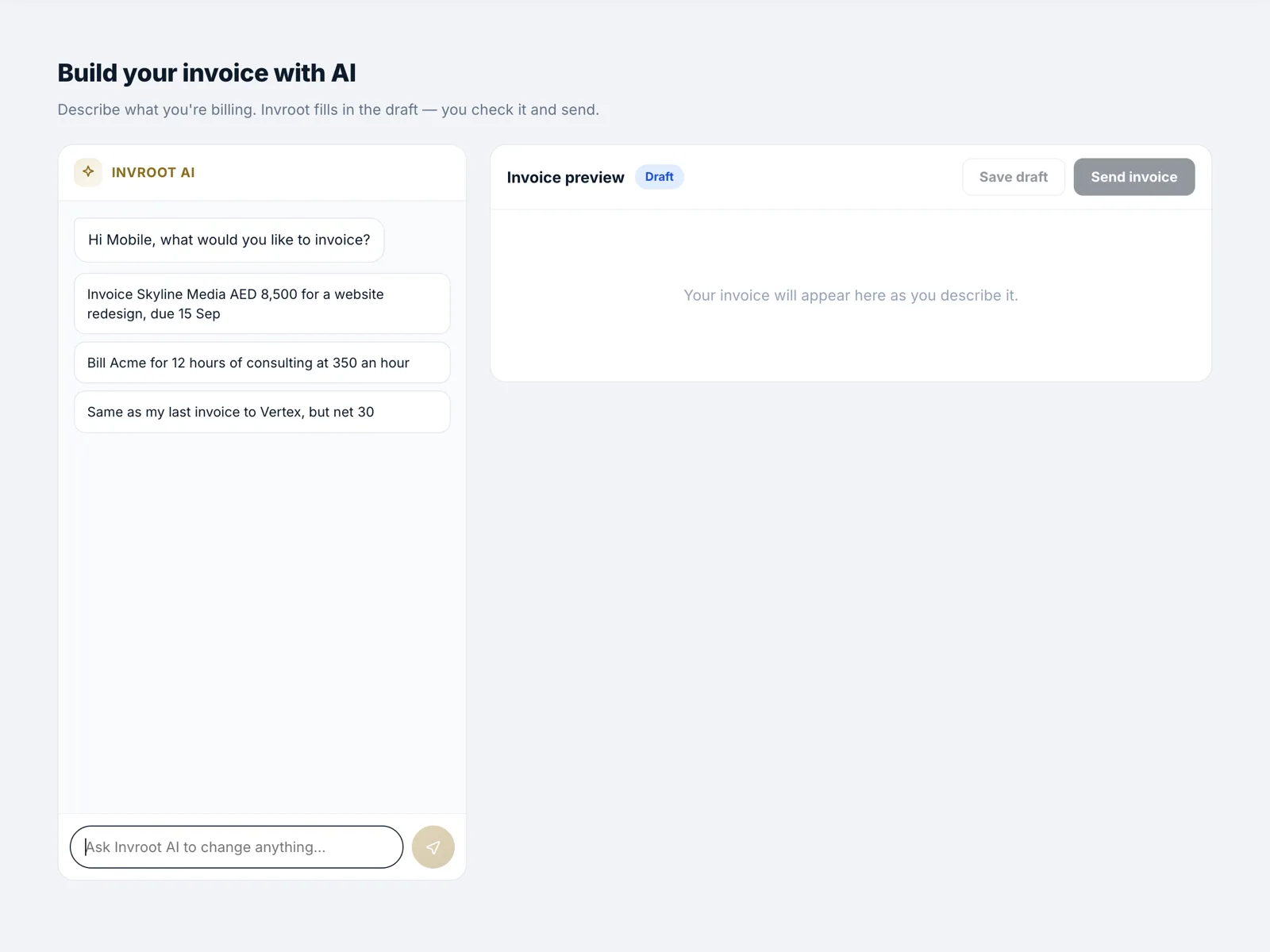
Create invoices with AI
Describe the work in plain words — “two days of consulting for Al Noor, due in 30” — and Invroot drafts the invoice: client matched, lines filled, VAT applied. You check it and send it. The AI reads and writes; it never does the arithmetic, so every total is computed, not guessed.
- Client matched, lines filled, VAT applied — from one sentence
- Refine it in plain words: “make it net 30”, “add a discount”
- Totals are always computed, never guessed by the model
Photograph a supplier bill, book it as an expense
Photograph a supplier invoice or receipt on your phone. Invroot reads the page, checks every figure against what is printed, and flags anything that does not add up — including a bill you have already recorded. Approve it and it is booked as an expense, with the document attached.
- Reads the page and checks every figure against what is printed
- Flags duplicates — a bill already recorded is caught before it is booked twice
- Booked as an expense, with the original document attached
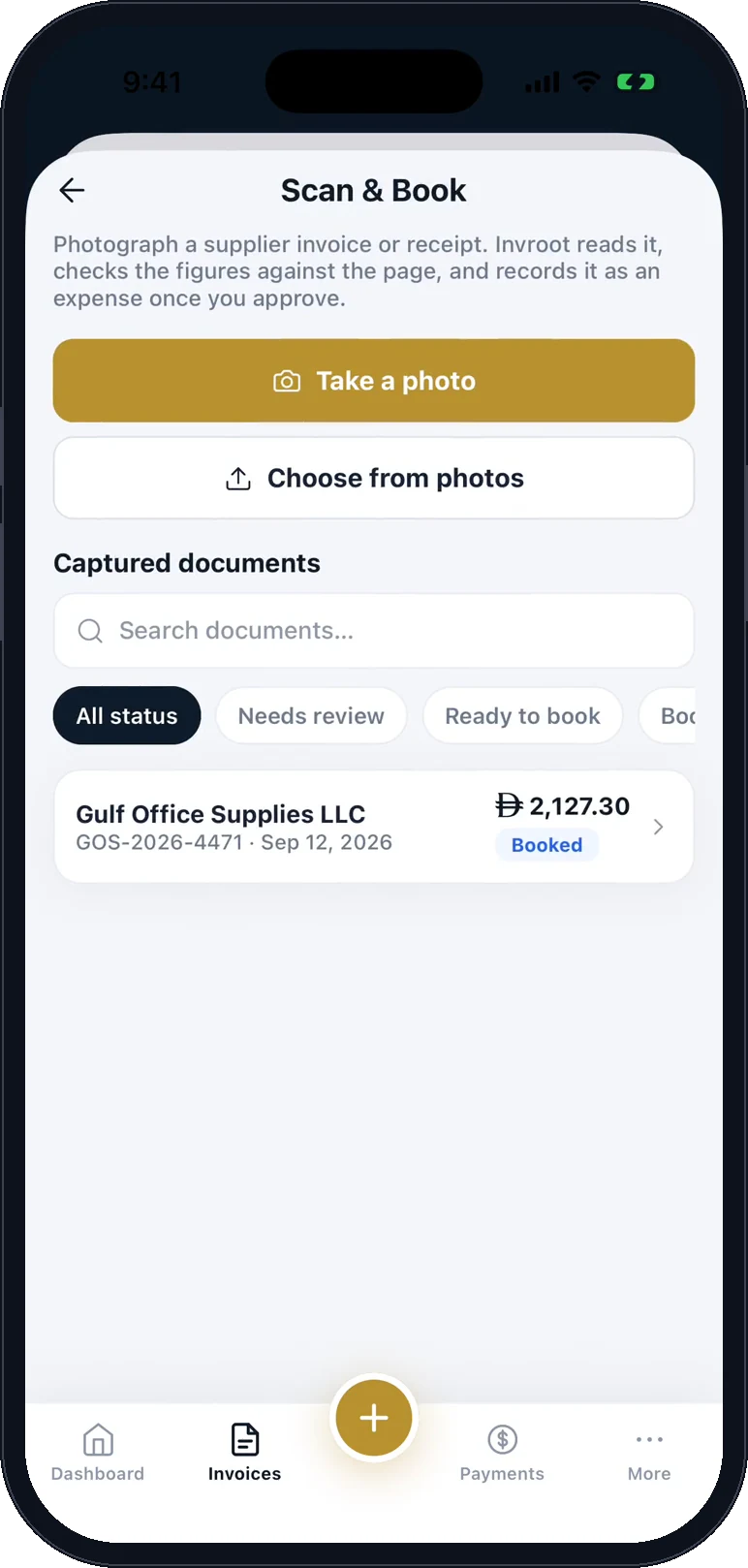
Photograph it 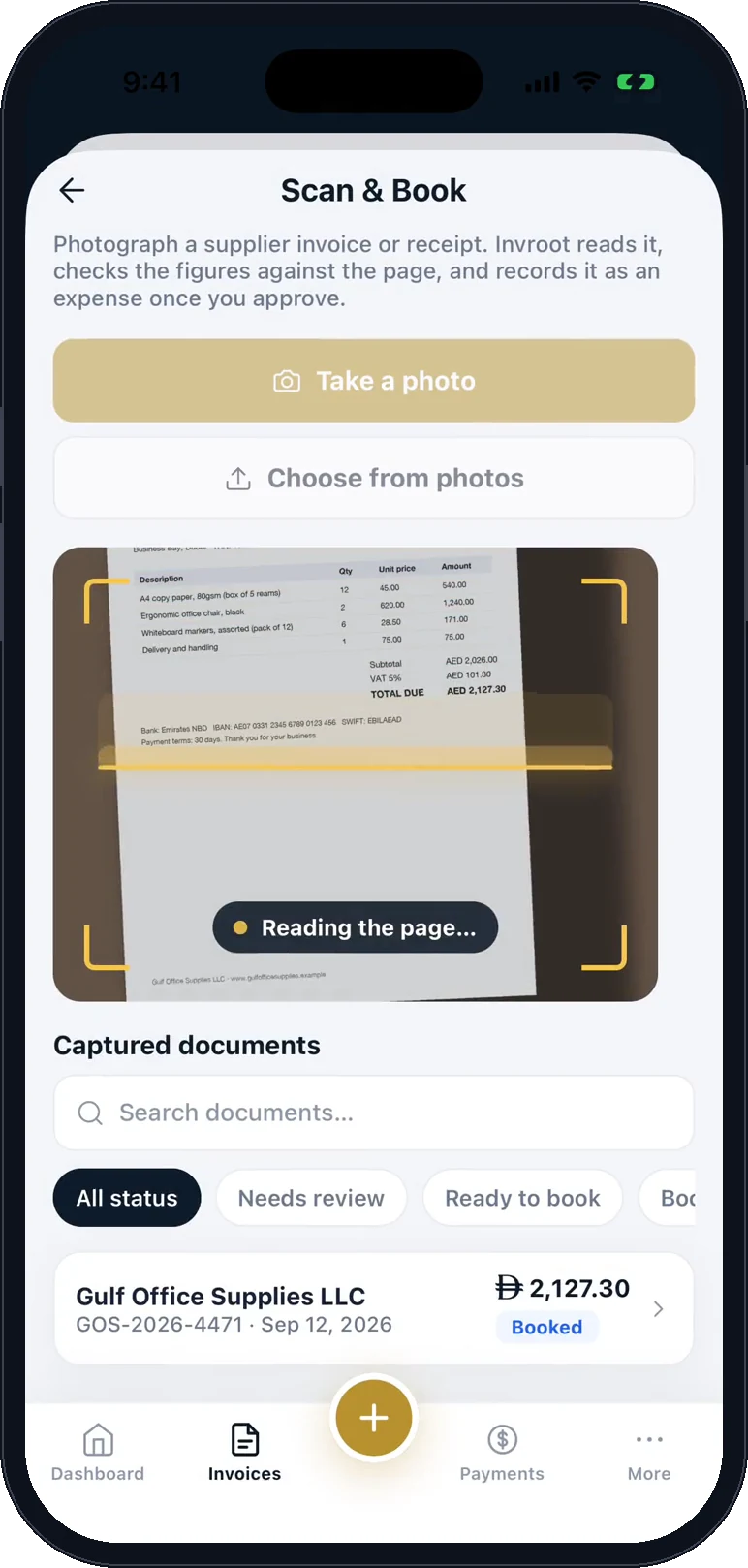
Invroot reads and checks it 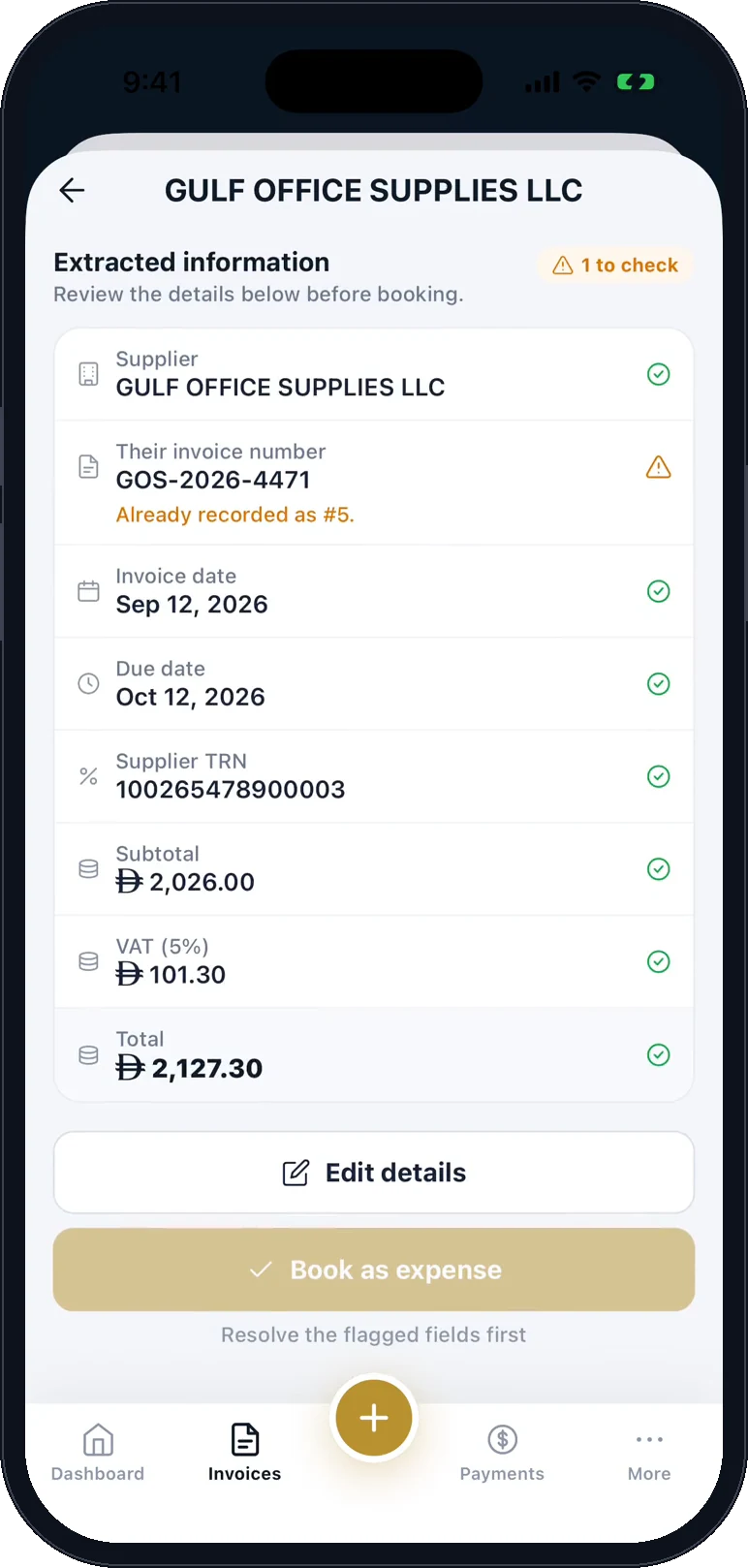
Book it as an expense
Send an invoice in under a minute
Pick a client, add your lines, and Invroot handles the tax, the numbering and the running total. Save it and choose whether to email it, download the PDF, or share a payment link.
- Your own tax rates, applied per line
- Sequential, gap-free numbering
- Quotes that convert to invoices
- Invoice in 140 currencies
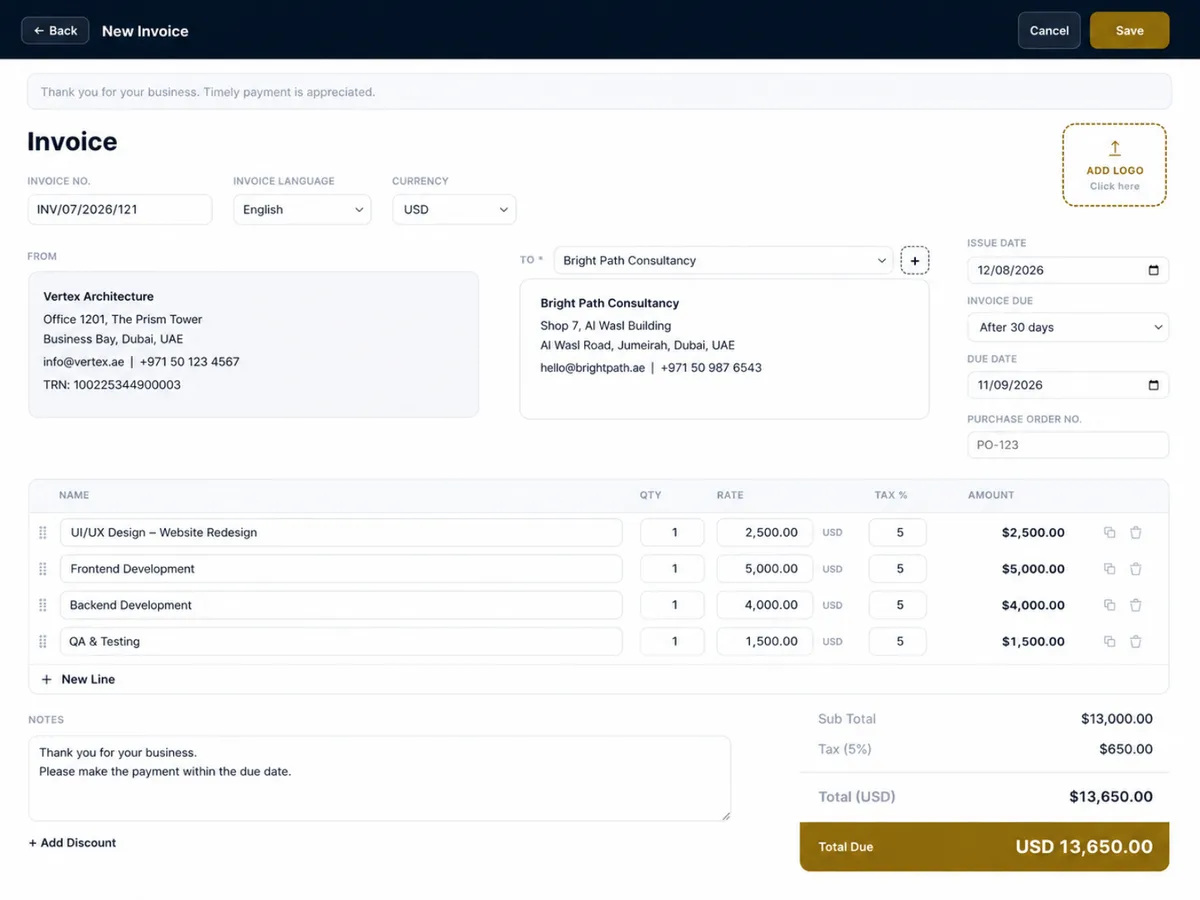
PDFs that look like your company, not ours
Upload your logo, stamp and signature once. Every invoice, quote and receipt carries them — the documents your client receives are yours end to end.
- Logo, stamp and signature
- Your terms and footer
- Three document templates
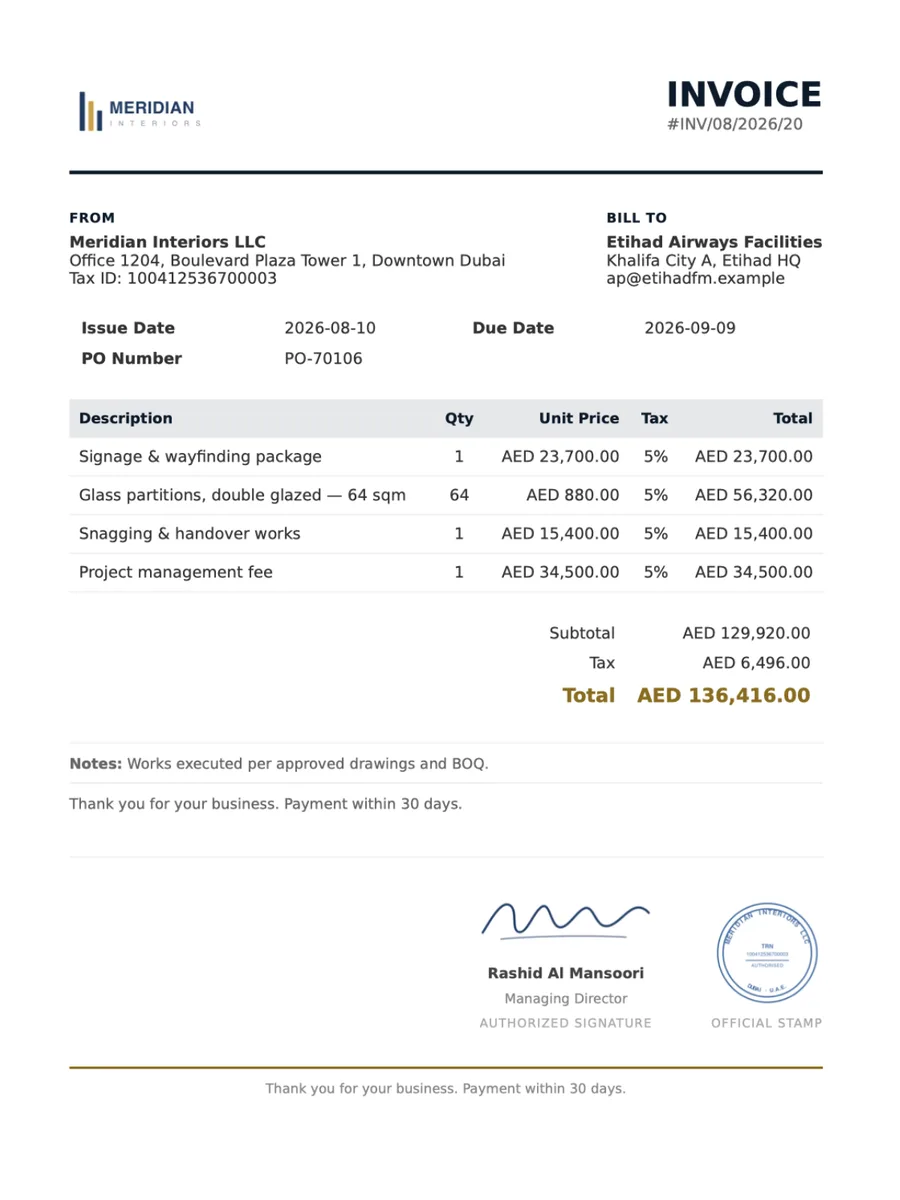
Full right-to-left, not a translation layer
Switch the whole workspace between English, Arabic, Spanish, French and Swahili, and issue each invoice in the language its recipient reads. Layout, numerals and document direction all follow.
- Per-invoice language
- True RTL layout throughout
- Arabic, Spanish, French and Swahili PDF output
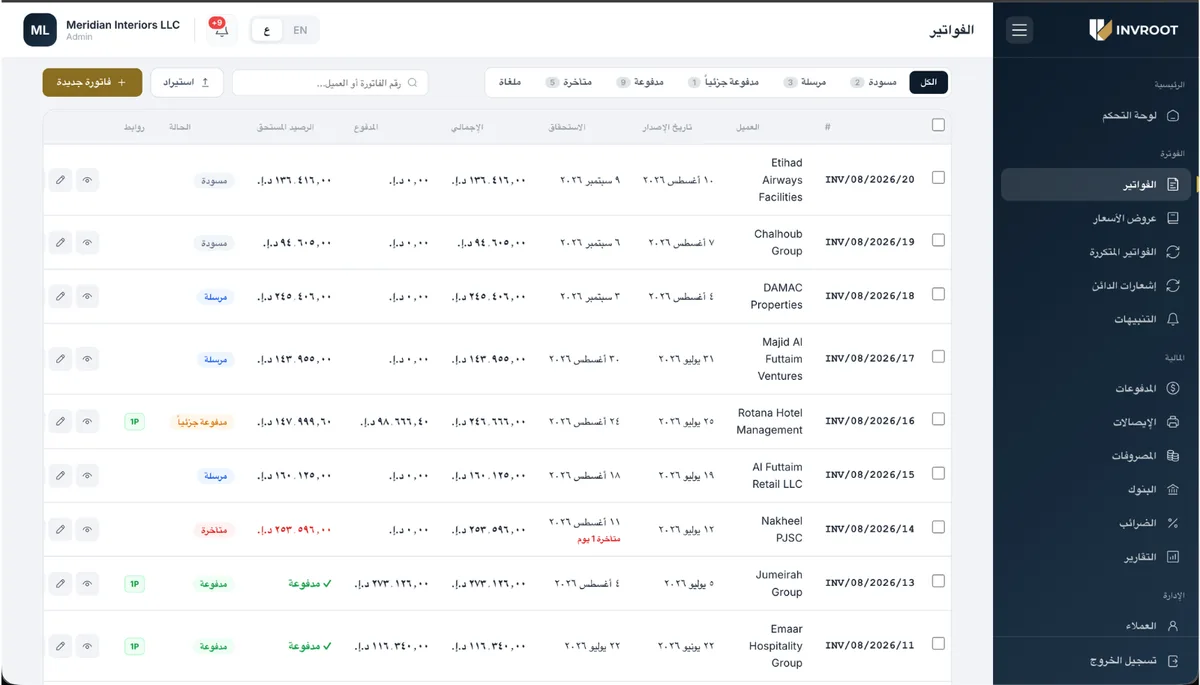
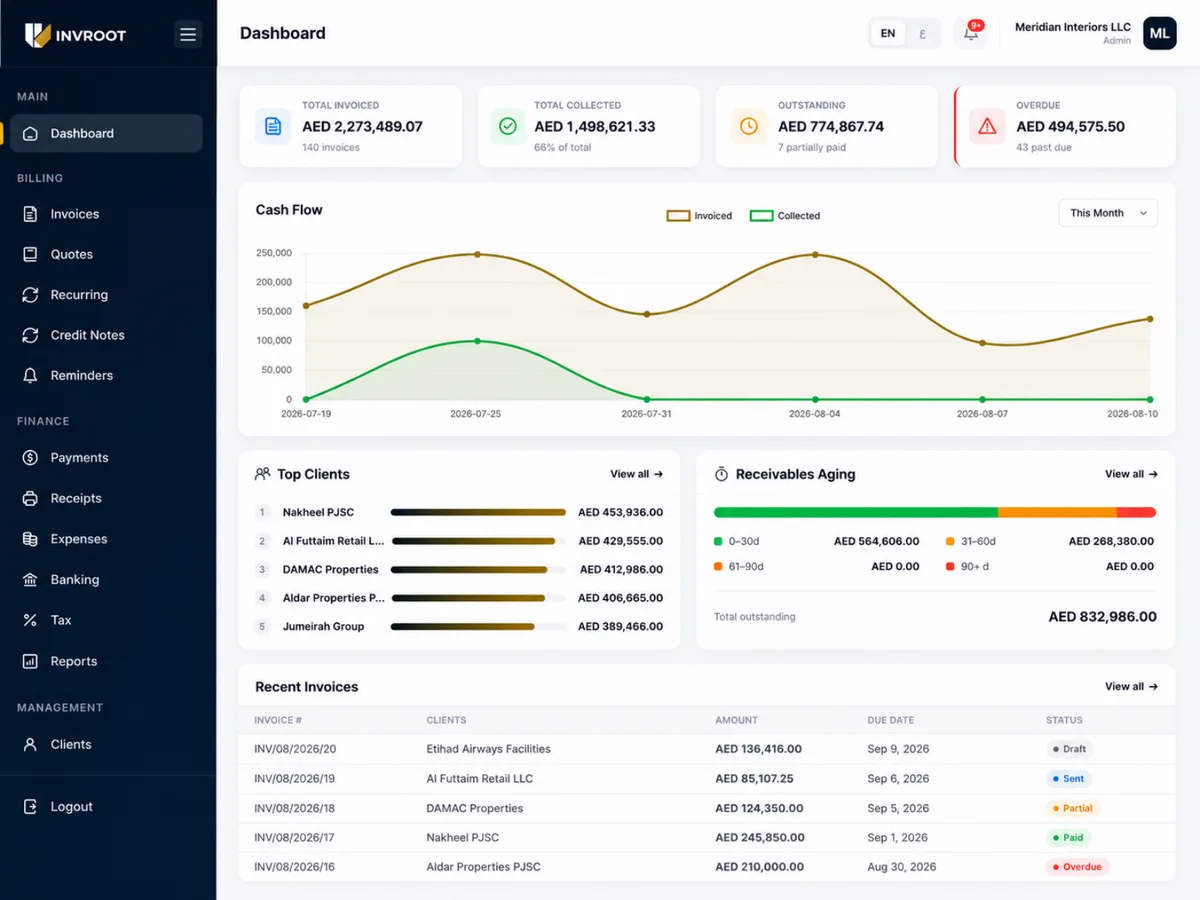
Know what you are owed, and chase it
Receivables, overdue and cash flow on one screen, so the question “who still owes us?” has an answer you can act on.
- Receivables and ageing
- Cash flow at a glance
- Automatic payment reminders
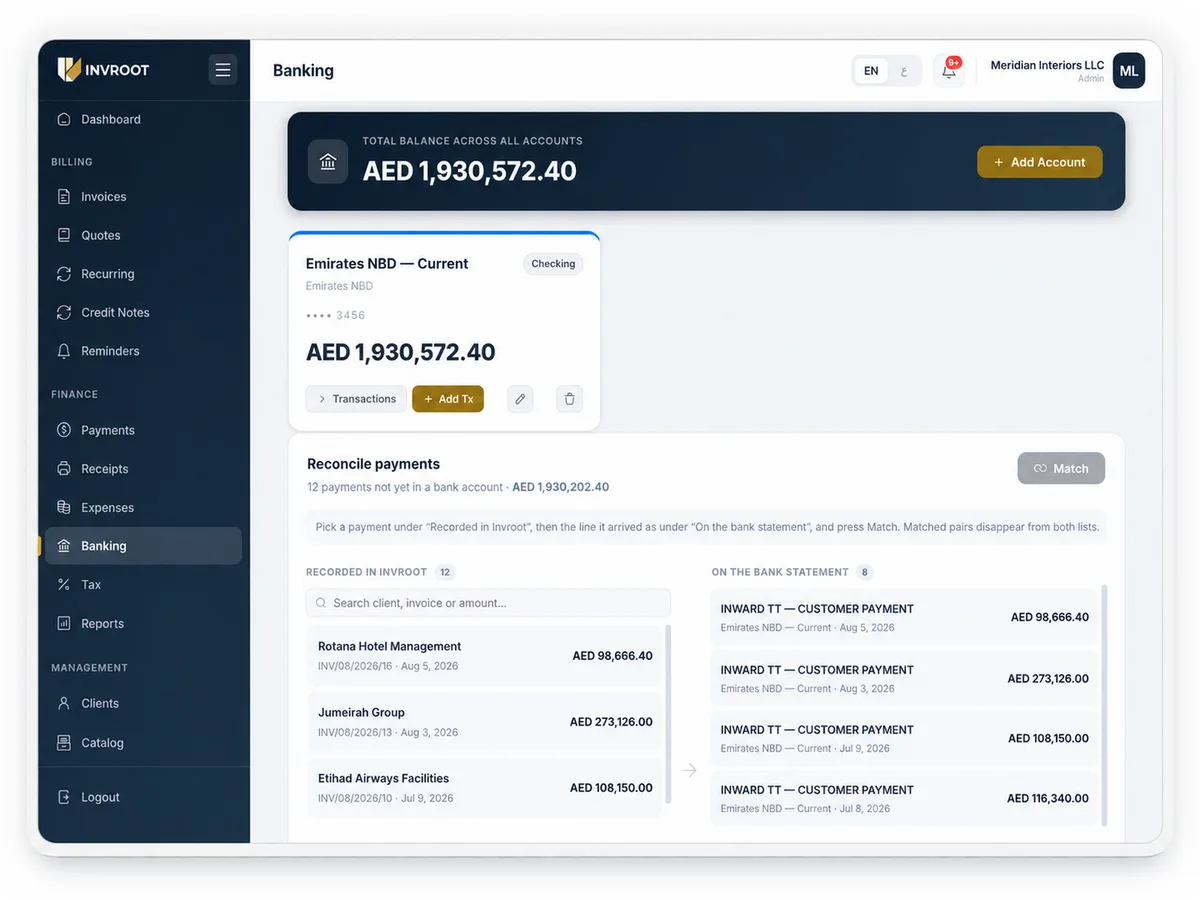
Make the books and the bank agree
Match each payment you recorded against the credit on your statement. Invroot suggests the likely pairs; you decide, because a wrong match is far more expensive to unpick than a right one is to make.
- Suggested matches by amount and date
- One click to confirm
- Nothing matched without you
Bring your invoice history with you
Coming from another system, or from a spreadsheet? Drop in one file and see exactly what would happen before anything is written — what will be created, what is already there, and anything that looks wrong. Your invoice numbers are kept, part-payments come across with their dates and references, and nothing is emailed to your customers. Run the same file again after fixing a few rows; anything already imported is skipped.
- CSV or JSON, up to 1,000 invoices a file
- Preview every row before anything is written
- Re-run the same file — imported rows are skipped
Creating a statement of account →
Send your first e-invoice today
Free to start, no card. Let AI draft your first invoice — it's on us.
Create your account
