
Three steps from job done to money in
No setup project and no accountant required. This is the whole flow.
Add your client
Name, tax ID and terms. Once, then reuse.
Name, tax ID, address and payment terms — entered once, then reused on every document that follows. If you already keep a client list, import it rather than retyping it.
Build the invoice
Lines, tax and totals calculated as you type.
Choose the client, add your lines, and watch your tax rates, the line totals and the invoice total settle as you type. The number is assigned in sequence with no gaps — a gap in a tax-registered numbering series is a question you would rather not answer later.
Send and get paid
Email it, or share a link your client can pay from.
Save, then choose how it goes out: email it with your branding, download the PDF, or share a link your client can pay from. Reminders chase the ones that go quiet, so you do not have to.
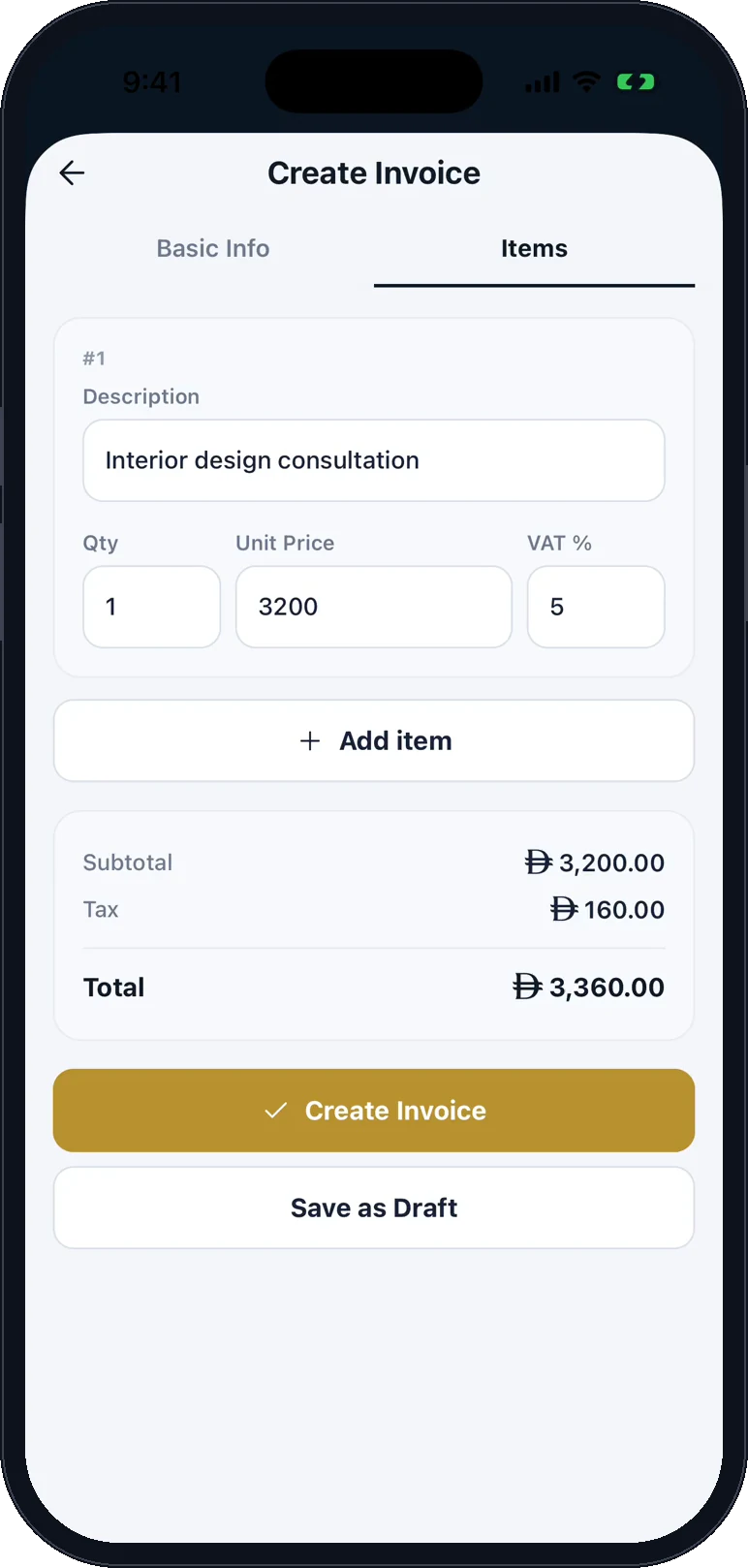
Add the lines on your phone 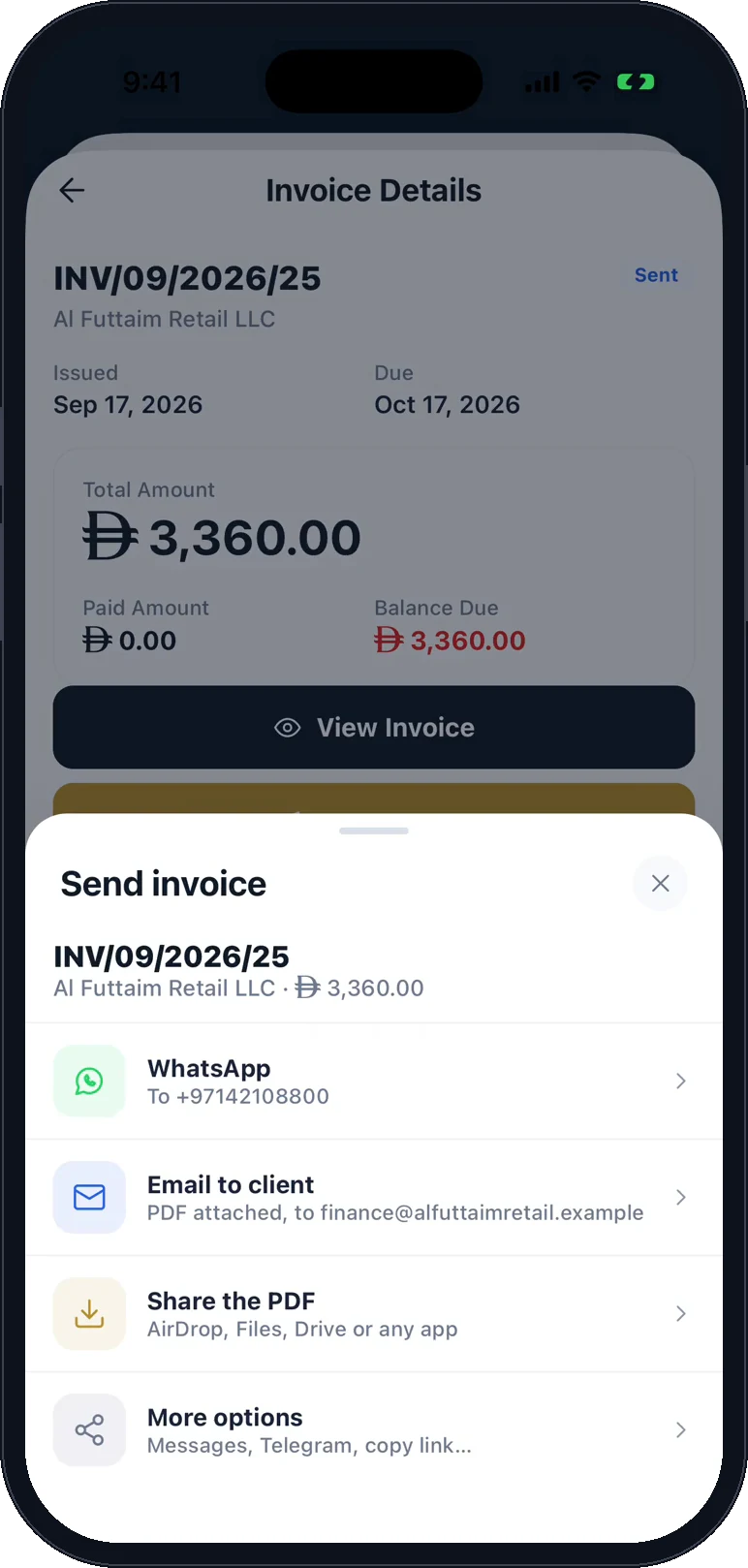
Send it by WhatsApp, email or PDF 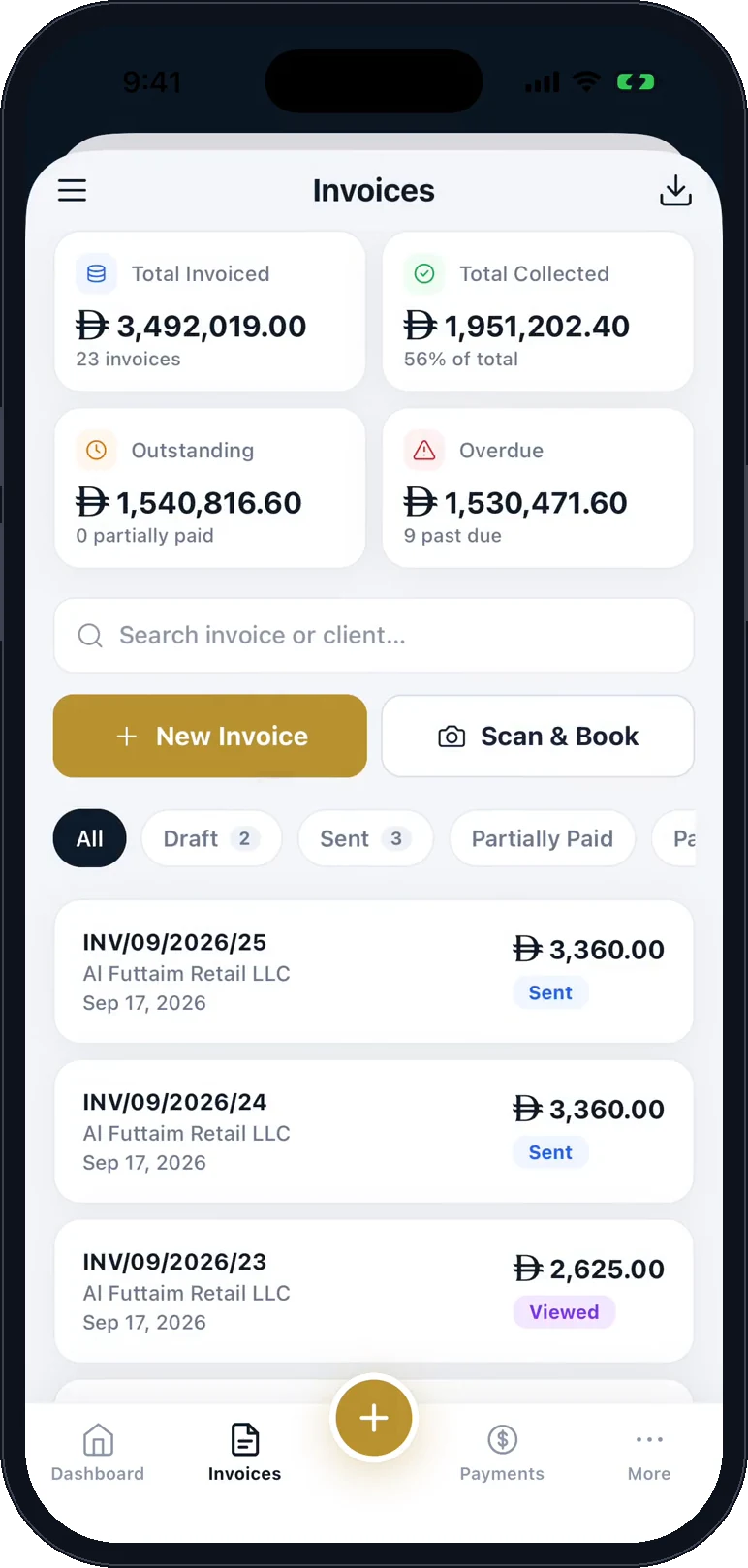
Sent, and tracked until it is paid
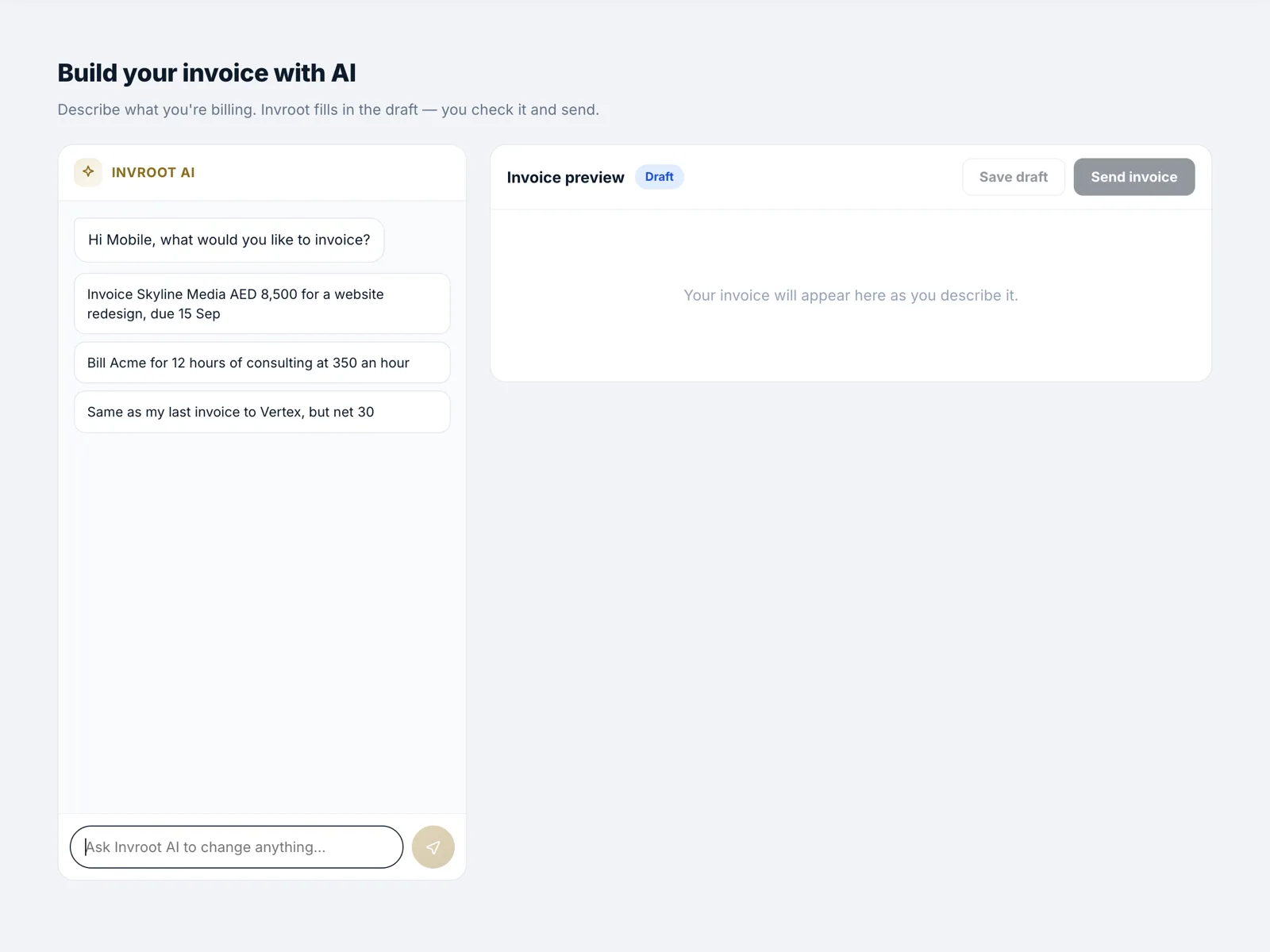
Send your first e-invoice today
Free to start, no card. Let AI draft your first invoice — it's on us.
Create your account
