
Complete transaction history
Every invoice, payment and credit note against one client, in date order, on a single page. No cross-referencing three screens to answer one question.
Track invoices, payments, credits and outstanding balances in one accurate statement of account — ready to filter, export and share.
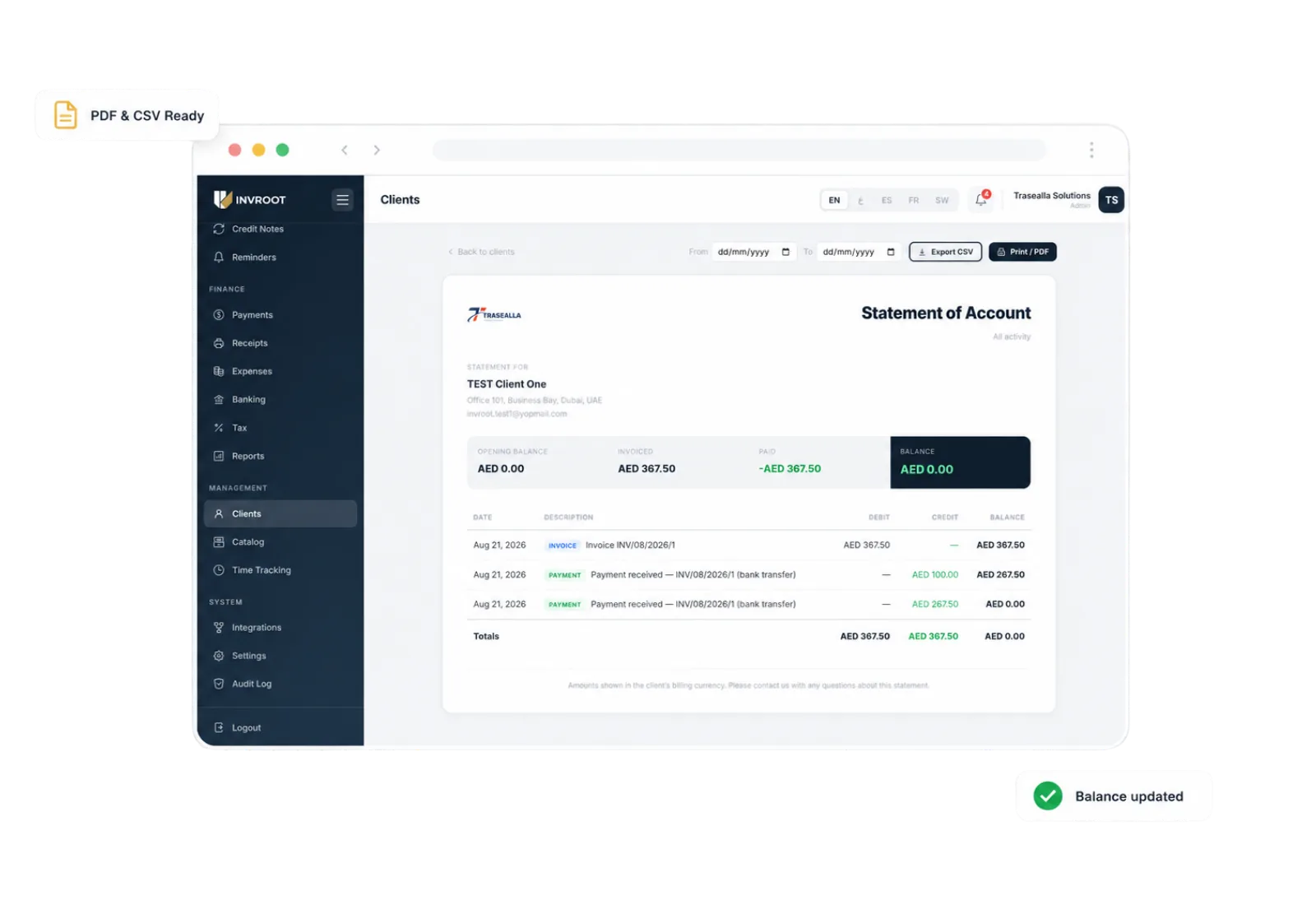
Replace scattered invoices and spreadsheets with one complete, easy-to-read account history.
Every invoice, payment and credit note against one client, in date order, on a single page. No cross-referencing three screens to answer one question.
An opening balance, a running balance on every line and a closing figure that agrees with your books. The arithmetic is the software's job, not yours.
Send the PDF to your client, or take the CSV into a spreadsheet when your accountant wants to work with the numbers themselves.
Any date range you choose — a month, a quarter, or just the period being disputed. The opening balance adjusts to the range so the statement still adds up.
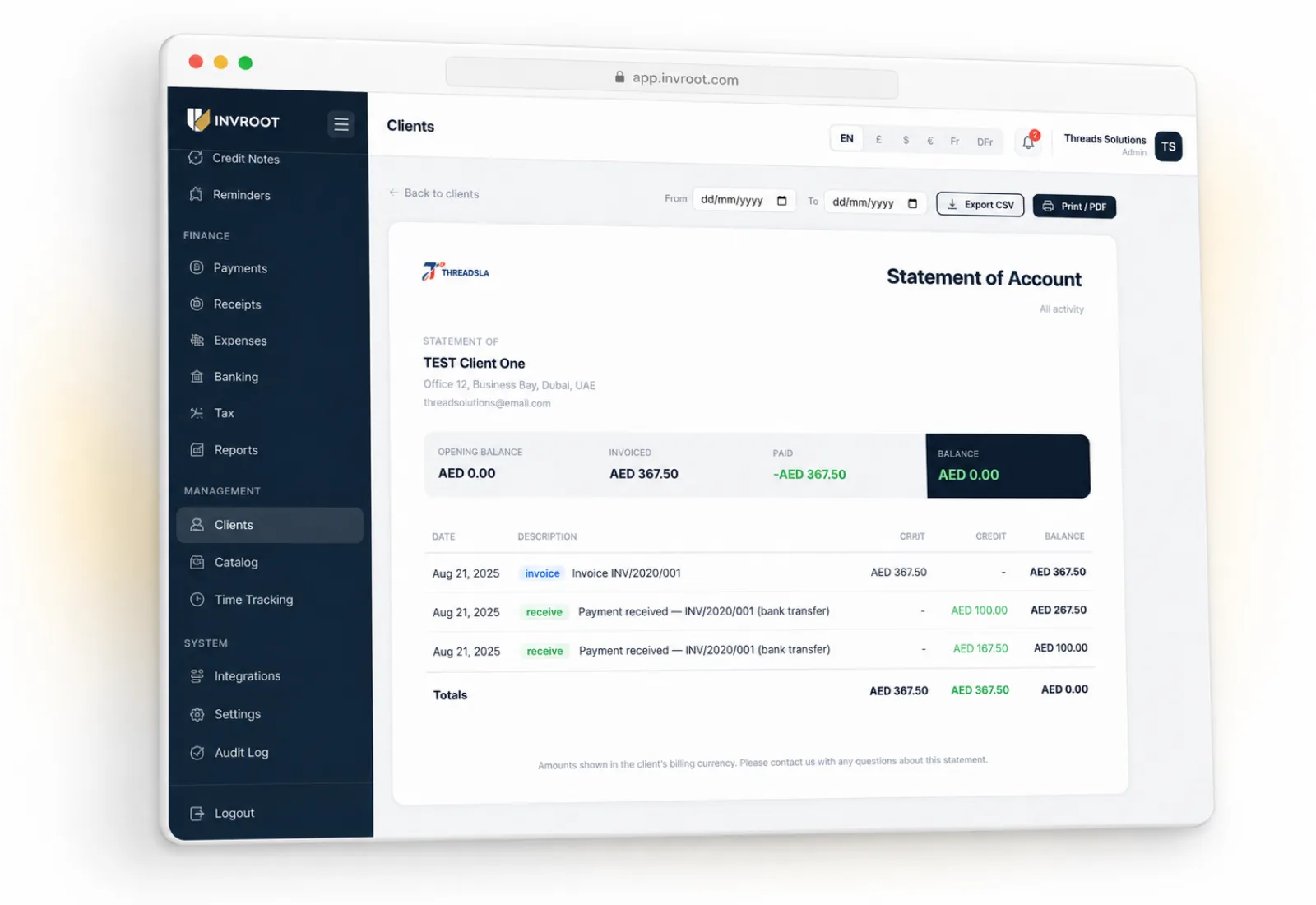
Give your team and your client the same reliable view: opening balance, invoiced amounts, payments received, credits applied and the final amount due.
Pick any client from your list to open their account history.
Set the start and end dates for the period the statement should cover.
Download it as a PDF or CSV, or print and share it straight away.
A statement of account summarises the transactions between your business and one client over a chosen period. It lists the invoices raised, the payments received and any credits applied, and ends with the balance still outstanding — so both sides can agree on what has been billed and what has been paid.
Create professional statements, stay on top of payments, and give every client a record they can trust.
Ask about Invroot
Replies instantly · from our own docs
Hi — ask me anything about Invroot: pricing, VAT in your country, importing your old invoices, or what it does and does not do.
Answers come from Invroot's own documentation and price list. This is an assistant, not a person — for anything binding, message us on WhatsApp.

